
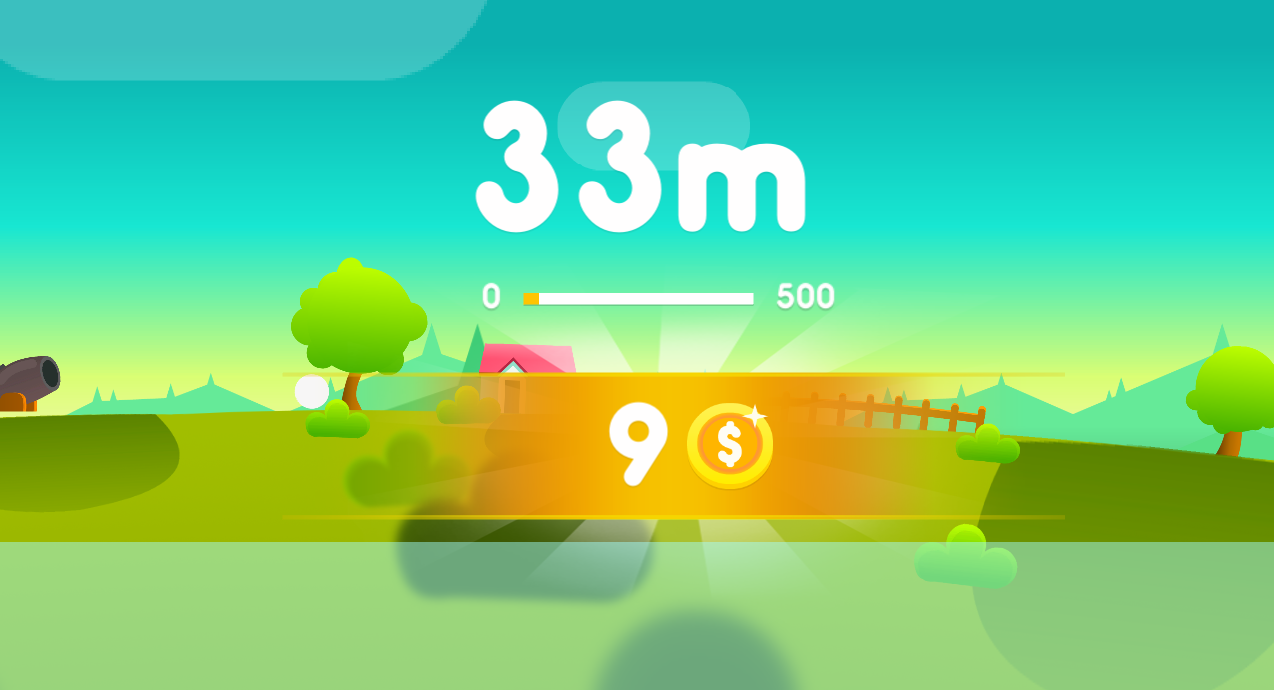
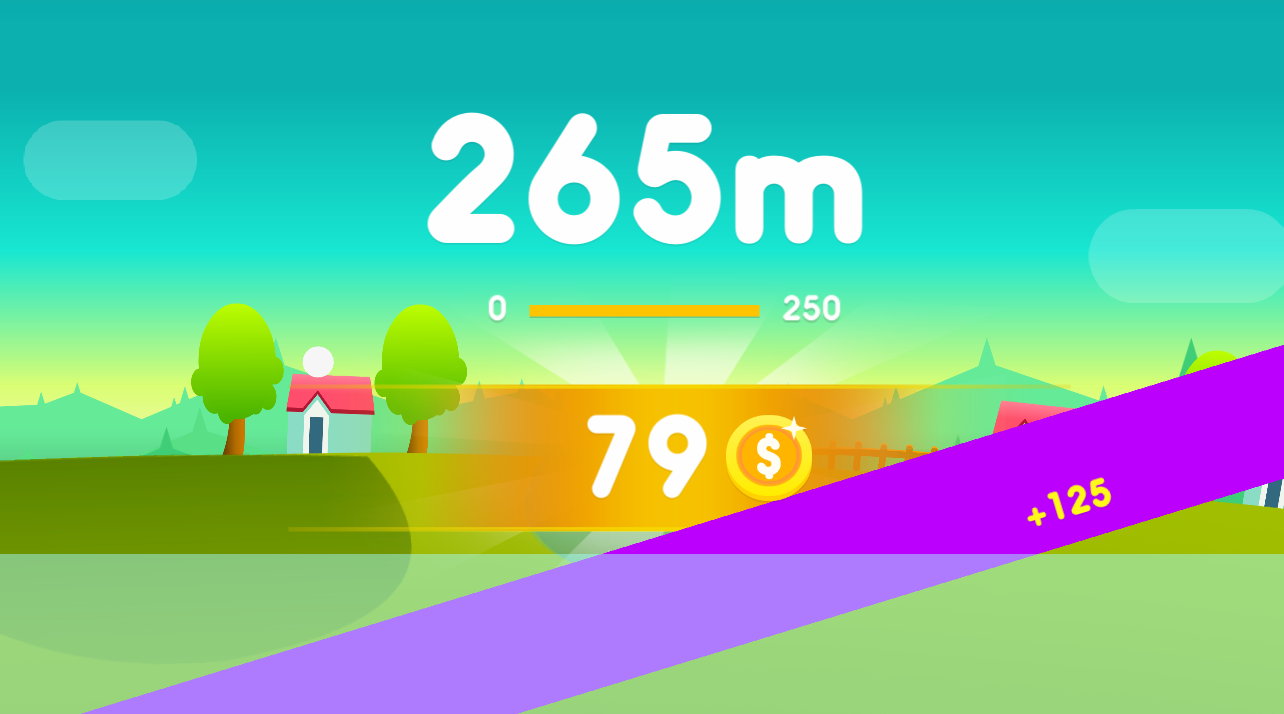
The first prototype of Ball Orbit inherited its equations from a high-school physics notebook. It featured a lonely point mass, a single gravitational constant, and a player input that could nudge velocity in discrete bursts. The math worked, but the experience hardly resembled a game. Three issues dominated the early feedback: the orbit decayed far too quickly, touch input produced unpredictable boosts, and the screen felt empty. Tackling those issues required us to revisit the fundamentals of orbital mechanics and then reinterpret them for a playful context.
We started with the two-body problem because it offers a tidy playground for experimentation. By allowing the gravitational parameter to vary across levels, we could teach the player how the semi-major axis, eccentricity, and period change. However, exact solutions in a discretised simulation demand double-precision values that are expensive in JavaScript. To strike a balance, we introduced a scaled coordinate system where each pixel equals 250 metres, clamped extremely small velocities to zero, and used symplectic Euler integration. The symplectic integrator preserves energy consistency far better than explicit Euler, which prevented the spiral-of-death problem that plagued early builds.
Translating Kepler’s laws into game mechanics also meant giving the player meaningful levers. In tournaments we watched players spam thrust until the orbit resembled a jagged star, then wonder why nothing interesting happened. The fix was to make orbital transfers the centrepiece of the challenge. We added a map overlay that displays the current periapsis and apoapsis, colour-coded to show whether velocity adjustments would raise or lower them. Instead of telling the player “perform a Hohmann transfer,” we built escalation by hiding bonus pickups behind stable resonant orbits. Players quickly learned that slight adjustments at apoapsis produce dramatic results later.
A pure vacuum simulation is quiet and visually repetitive, so we layered on gravity wells of varying intensities to create rhythm. The wells use inverse-square falloff with hand-tuned caps to avoid infinite acceleration. Because multiple wells can overlap, we precompute a composite field on a low resolution grid every frame and bilinearly interpolate the force for the player. This approach keeps CPU usage predictable while still delivering the sense of slingshotting around celestial bodies. For accessibility we coupled the visual with clear audio cues: a rising synth when entering a well and a gentle chime when exiting.
Debugging orbital physics is notoriously tricky. We built a replay tool that records player input and physics states at 20 Hz. Playing back the logs in a deterministic environment helped us find floating-point drift, but it also highlighted a design lesson: when the camera zooms out too far, players lose their sense of speed. We rewrote the camera to anchor on the player but anticipate the next velocity vector, effectively “looking ahead” and maintaining a sense of motion without inducing motion sickness.
The last ingredient was failure recovery. Orbital mechanics punishes small mistakes, yet compelling games offer rapid iteration. We introduced a rewind buffer that stores the previous twelve seconds of play. Hitting rewind burns collected energy, so it never feels like a free reset, but it avoids the demoralising restart loop and encourages experimentation. Once rewind arrived, playtesters started executing daring gravity assists because the cost of failure became a tactical decision rather than a grind.
Building Ball Orbit reminded us that rigorous science and joyful play aren’t opposing goals. If the simulation honours the core principles—conservation of energy, predictable gravity, meaningful momentum changes—the player will intuitively grasp the system. The key is translating equations into readable feedback: colour gradients, audio ramps, UI overlays, and quick iteration tools. That mix keeps the game grounded in real orbital behaviour while leaving space for improvisation, spectacles, and the thrill of a perfect transfer.